Welcome to the Learning Lab

Your one-stop resource for tutoring, mentoring, and academic success tools – located in the King Library Learning Commons.

Services


Additional Resources

Sometimes you need help at 2:00 am, or only have a quick question, or a video is the best explanation. At these times it helps to know some of the resources available on demand.

Subject-Specific Self-Help

Writing

The Purdue Online Writing Lab (OWL) is the go-to resource for college writing information. It is what our tutors use, and it should be one of your bookmarked pages.

Additionally we have APA Style for Beginners

For Research Based Projects

Math

Our tutors recommend Symbolab Math Solver which solves math problems step-by-step. One note though, this isn't to be used to do your homework, but to learn how to do your homework.

Mathway is another site to help you work through math problems. It has a variety of online calculators for any class.

Chemistry

The Dynamic Periodic Table is great for learning and exploring the elements. Sort, select, and search the various elements for a world of information.

 General Resources

We here at the Learning Lab cannot recommend the Khan Academy highly enough. What started as one man tutoring his cousin using YouTube videos has become one of the best academic resources for students and teachers. While it is primarily geared towards math and high school students, there is a ton of information in a variety of subjects:

It is free to sign up and each subject is divided into easily consumable short lessons, videos, and practices.

CrashCourse is a YouTube channel, that was initially recommended as a great history resource, which it is, but also includes informative videos on literature, biology, ecology, chemistry, and more.

Time Management Resources

College can be stressful for students, especially during their first year at college. Time management can be a difficult skill to master, but is one of the most crucial skills to learn for success.

It is important to learn how to manage your time well, to make more time for yourself outside of class. Discipline=FREEDOM!

Here are some great tips on how to start managing your time better in and outside of college. 

1. Create a Calendar

Creating a calendar to help you manage your day to day like can relieve a lot of stress. Instead of being caught by surprise with an important paper due two days from now, or missing a fun event in the HUB because you accidentally scheduled study group that night, creating a calendar can help you manage your events, deadlines, exams, and fun events. 

Some great digital calendar options include:

2. Set Reminders

If you decide on an digital calendar, it is time to set some reminders to help you stay on track. This can help you if you need to complete certain assignments on time, remind you when social events are coming up, and help remind you to send out that group message to meet about a group project. 

If an digital calendar isn't for you, you can use a physical planner, or set reminders on your phone to alert you. Time management is all about setting yourself up for success, and giving yourself the tools to do that will help you, and increase your confidence. 

3. Use Tools That Work For You

If a digital calendar doesn't work for you, that's ok! Find the tool that works best for you, and stick with that. The more consistent you are using that tool, the easier it will get to stay on schedule. Your calendar or time management choice will help you with short, and long term planning. 

Planners

If you like paper planners, these can be really helpful with long term deadlines, important class deadlines, exam dates, and appointments/meetings. Time Blocking is also beneficial. Attached are print out options created by Office of Academic Success to help with your needs!

4. Prioritize

Like we have said before, Discipline= FREEDOM! When you have a lot to do, and little time to do it in, things can get stressful. However, if you learn how to prioritize your tasks, and take on big projects in sections at a time, you will find these tasks become easier to accomplish. 

Try to complete simple tasks first, get them out of the way!

What can be postponed? Think about social events coming last, there will always be another time, but there will not be another due date for your mid term project. 

Friends will understand! Nothing says more about good friends than ones who support you prioritizing your education and work schedule. 

5. Have Fun!

It is also important to schedule in time for yourself. Life isn't always about class, exams, work, and studying. Put your well being and mental health first, and schedule in time to have fun with friends. 

CSC offers amazingly fun Residence Life events on campus. Check here for a list of fun events coming up! 

6. Use Campus Resources

Time management, organization, and preparation can sometimes only get you so far. Luckily, there are a lot of resources at CSC to help you succeed! We have people rooting for you in every corner! Here are some suggestions on places to go for help:

Some athletic teams and other organizations require students to participate in study hall hours at the Learning Lab. Please sign in at the Learning Lab front desk, then depending on your coach or other leader's requirements, you may study quietly in the library, work with a tutor, or work in a study group.

If requested, we can also complete a study hall session form for you to return to your coach or instructor. On request, we can also email your coach or instructor that you attended study hall in the Learning Lab. 

Students Enjoying CSC Online Learning

The GPA Calculator can help you monitor your academic progress by calculating your current GPA and estimating future outcomes. Use it to explore "what-if" scenarios, set academic goals, understand your eligibility for scholarships and programs, and make informed decisions about your coursework. 

To use the calculator effectively, follow these steps:
  1. Input your anticipated letter grade for each course.
  2. Indicate the number of quality hours (credits) for each course.  Add your old grade if any course is a repeat.
  3. Access your unofficial transcript to find your cumulative GPA and number of quality hours via MyCSC > Academics > Transcript Services.
  4. Go to your most recently completed semester on the transcript.
  5. Add your posted cumulative GPA and quality hours ("QPTS" on the transcript) from your most recently completed semester to the Prior to Current Semester section of the GPA Calculator.
  6. Use the Calculate buttons to estimate your semester and cumulative GPAs.

For more help, contact your academic advisor.


Become a Peer Tutor or Academic Success Coach

Are you interested in becoming a Peer Tutor, Academic Success Coach, or PASS leader? Please email Josee Sayaloune for a link to the application: jsayaloune@csc.edu

Requirements include: 

  • GPA of a 3.0 or higher (2.0 if recent grades suggest high potential)
  • Excellent interpersonal skills
  • Eager to learn and contribute (opportunities to help are plentiful)
  • Must be a positive academic role model
  • Provide a faculty reference in the subject you would like to be a tutor in.
    • If interested in tutoring a subject, you must have taken classes here at CSC to be eligible to tutor those classes. 

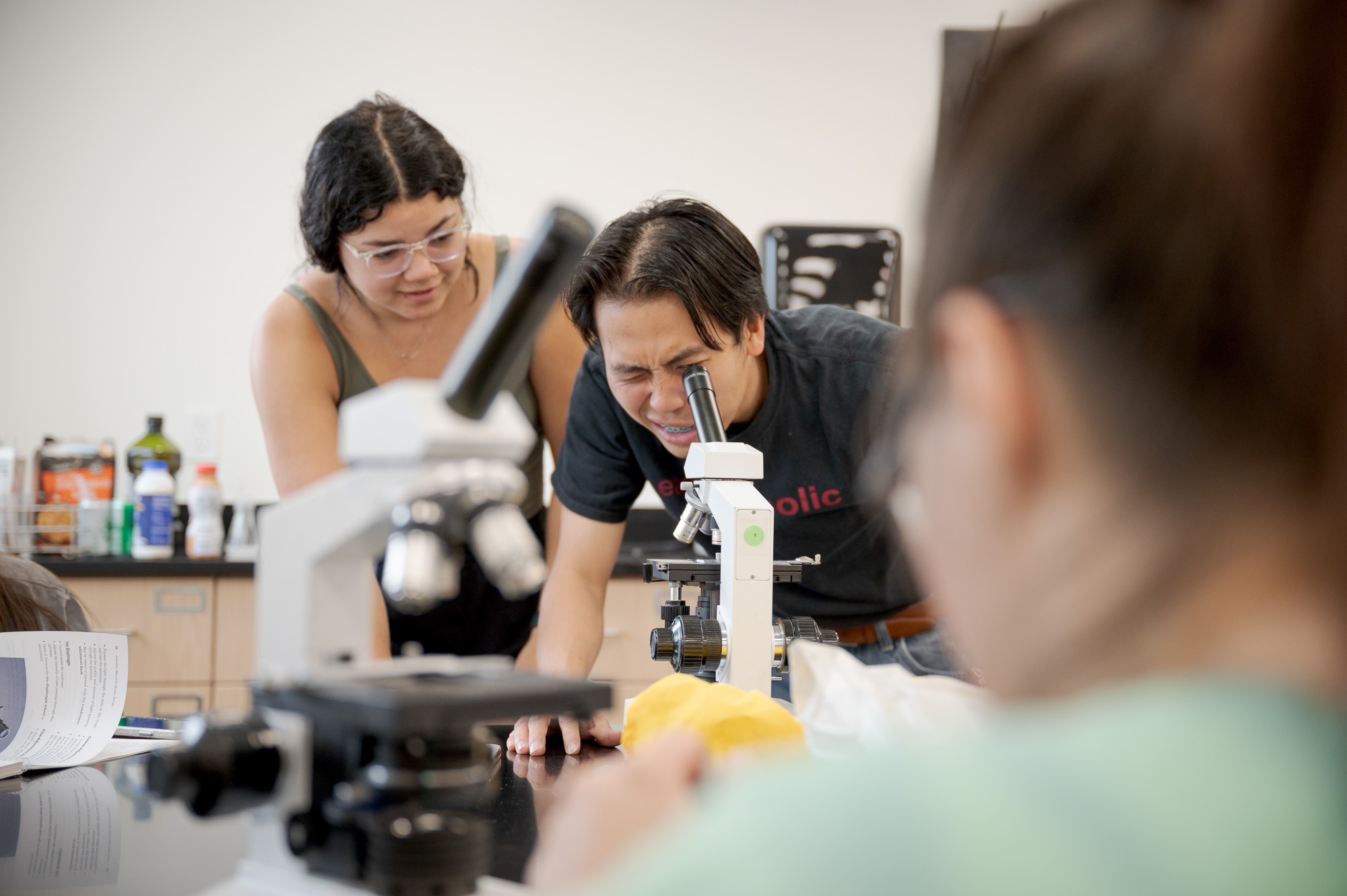
Students working in the Learning Lab

Find Us


Location Reta King Library
Library Hours
Monday - Thursday 8:00 am - 7:00 pm
Friday 8:00 am - 4:30 pm
Saturday Closed
Sunday 1:00 pm - 9:00 pm


Hours may vary during breaks, finals week, and summer.

Contact Us

Chantel Merchen

Chantel Merchen
Director Office of Academic Success
Phone: 308-432-6381
Email: cmerchen@csc.edu
Office: Library, Room 200

Photo of Josee Sayaloune

Josee Sayaloune
Retention Specialist
Phone: 308-432-6367
Email: jsayaloune@csc.edu
Office: Library, Room 203